


Crafter Meets Vinyl
Custom DTF Gang Sheet Upload
Custom DTF Gang Sheet Upload
Couldn't load pickup availability
Description
Description
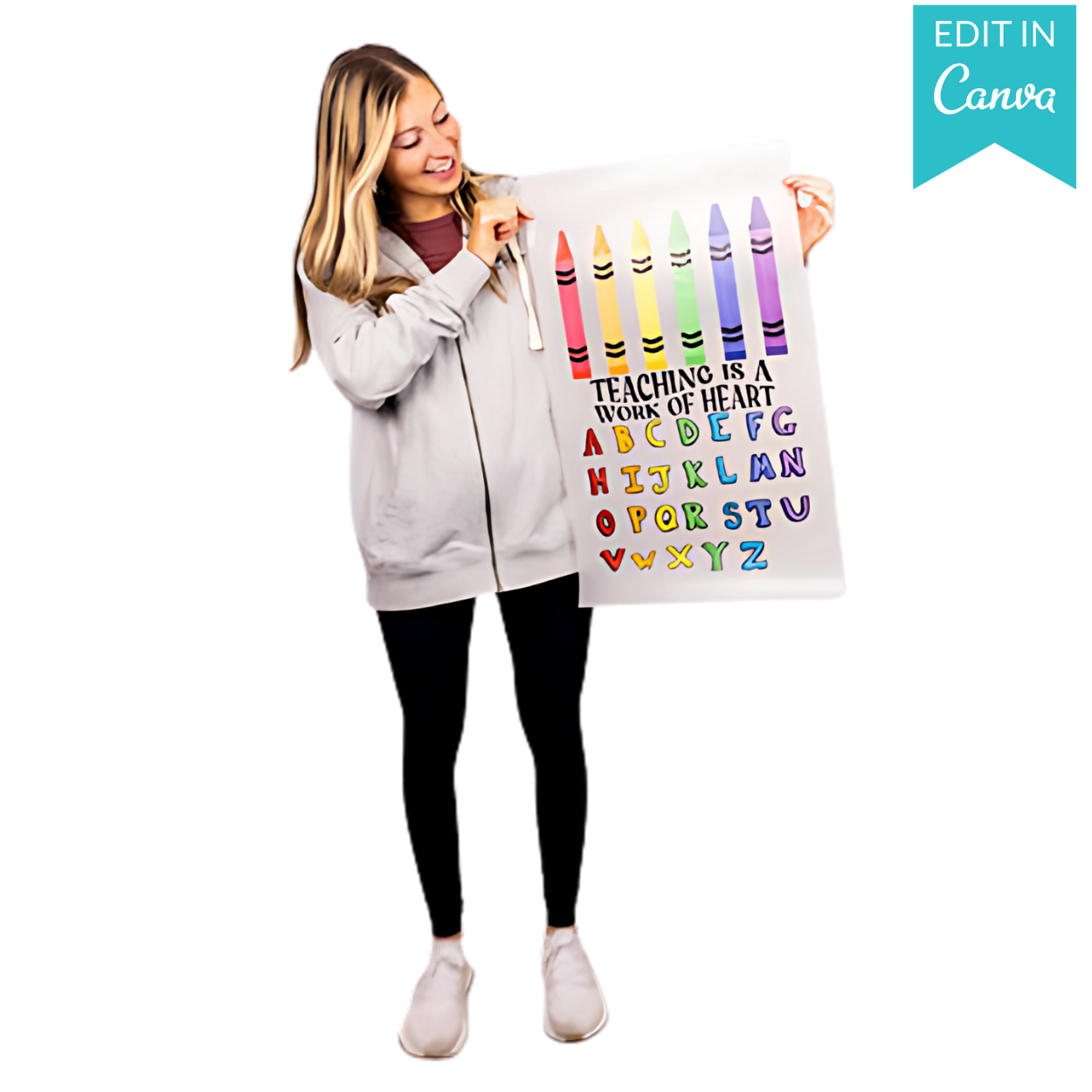
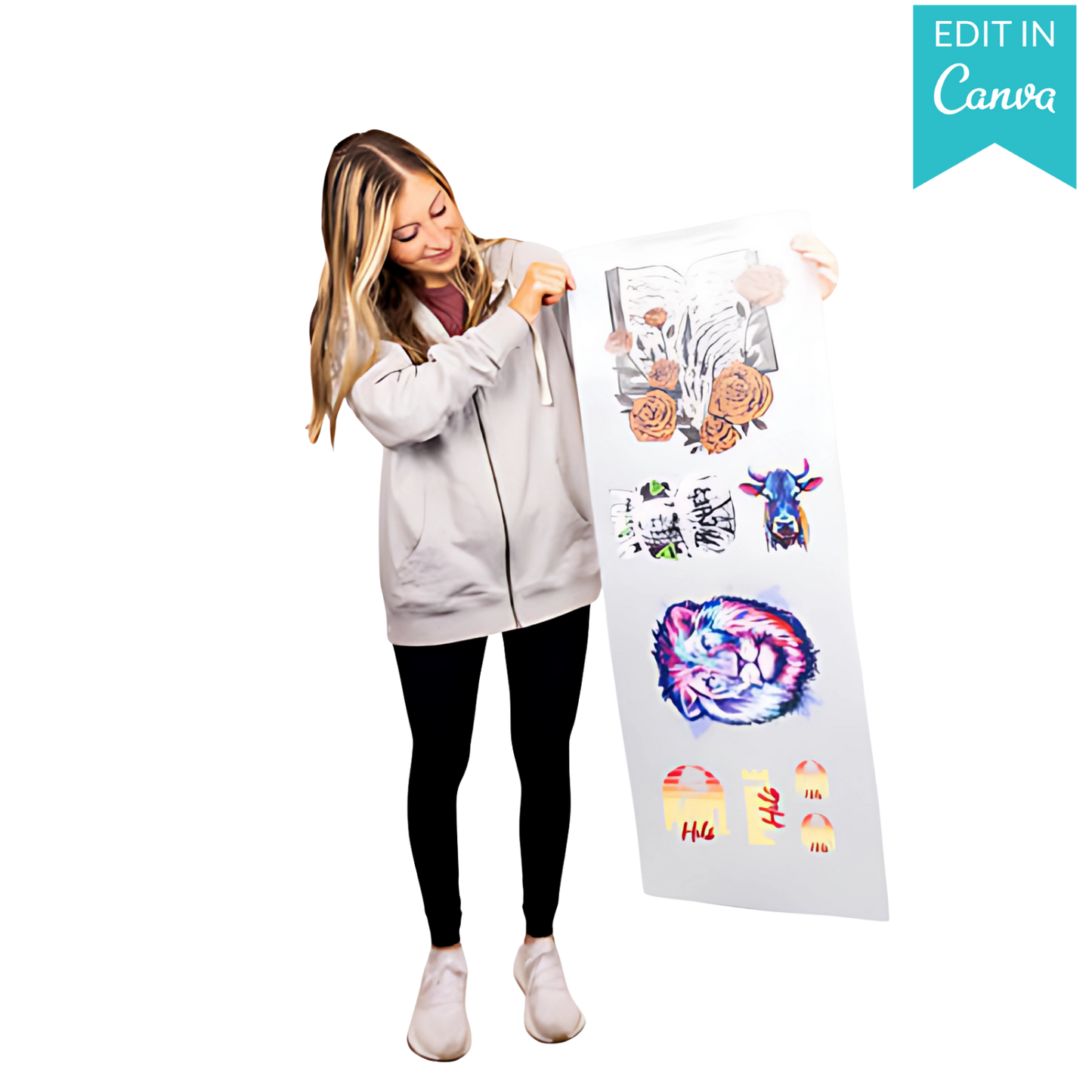
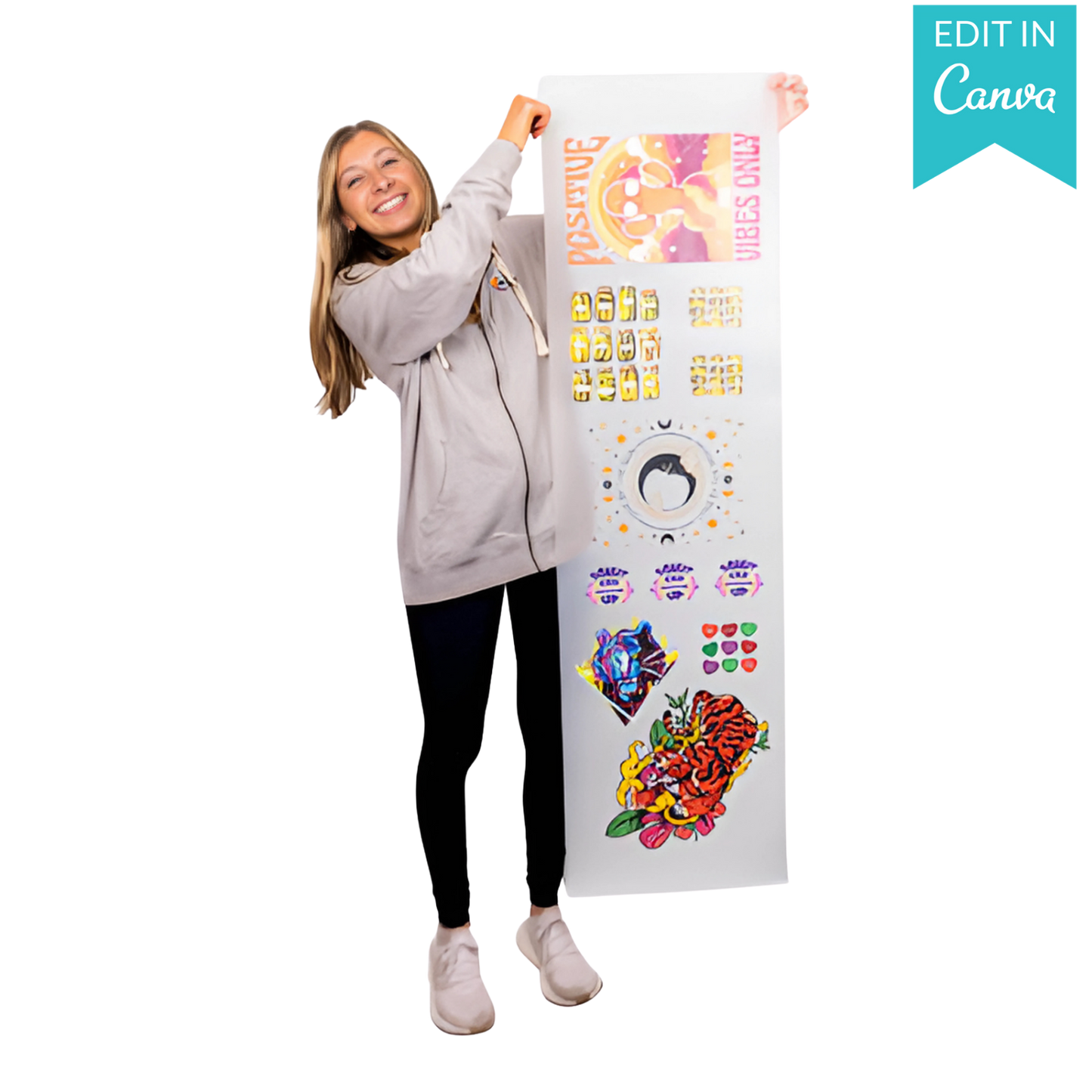
Experience professional-grade DTF printing made effortless with our DTF Transfers. Every transfer is produced using our VIVID AF DTF process, featuring an expanded CMYK + RGBO + White ink system that delivers dramatically brighter colors, smoother gradients, and sharper detail -- at no extra cost. From vibrant colors and clean whites to fine lines and complex gradients, our high-quality DTF transfers give shops, brands, and creators the freedom to print virtually any design on any garment with consistently standout results.
Specification
Specification
16.7 Million Printable Colors
VIVID AF DTF uses expanded CMYK + RGBO + White inks for richer saturation, brighter whites, smoother gradients, and sharper detail.
Works on Any Garment
Delivers consistent results across nearly all fabric types, colors, and stretch levels.
Tested for 100+ Washes
Built to maintain vibrancy, durability, and detail through 100+ wash cycles.
Easy Application
No weeding or pretreatment required. Just position, press, and peel.
Soft Hand Feel
Produces a smooth, flexible finish that feels comfortable on the garment, unlike stiff vinyl or gritty DTG prints.
Expert Order Review
Every order is reviewed by a professional designer. Optional background removal and minor cleanup are available when notes are added at checkout.
How to Order
How to Order
- Upload: Click "Upload Your File" to attach your ready-to-print gang sheet.
- Select Length: Choose your roll length (from 2 Feet up to 20 Feet).
- Add to Cart: We handle the rest.
Share





Settings & Instructions
Instructions
- No Pre-Press Required Pre-pressing to remove moisture or wrinkles is not required. Only do so if you prefer.
- Position the Transfer Place the transfer flat in the desired location. Pressing over seams is fine, including side seams and 6-panel hats. Use heat-resistant tape when pressing hats or when using a household iron.
- Press and Peel
- Press at 310°F / 155°C with medium to high pressure for about 12 seconds
- Use parchment paper or a silicone platen cover to protect the garment
- Wait a few seconds, then peel
- If areas do not adhere, re-press with more pressure and increase heat by 15°F as needed
- Repeated pressing will not damage the transfer
- If scorching occurs, reduce pressure first. If needed, keep pressure reduced and lower heat by 10–15°F
4. Final Press and Care After peeling, cover the design with parchment paper and press again for 5-10 seconds. This final press improves durability, softness, and reduces shine.
Wash after 24 hours for best results.
Heat Press
- Pressure Setting Set the heat press to medium to firm pressure.
- Temperature For cotton and 50/50 blends, set the temperature to 320-350F°.For synthetic or polyester fabrics, set the temperature to 280-300F°
- Press Press the transfer to fabric for 8 seconds.
- Hot Peel Peel your DTF Transfer Sheet while still warm in one motion.(Cold peeling also works.)
For Enhanced Durability* Cover the image with parchment paper after peeling the film off and press again for 5-10 seconds.
Iron on
- Temperature Set the temperature to the highest temperature setting on your iron. (Best around 300F°.)
- Press Apply even pressure to all of the design with the iron and press evenly for 15-20 seconds onto the garment.
- Hot Peel Peel immediately while hot, in one continuous, smooth, rapid motion. (Cold peel also works.)
Specifications
- Sheet Width: 22" Wide (printable area)
- File Requirement: 300 DPI Transparent PNG
- Application: Works on Cotton, Polyester, 50/50, Canvas, Denim, and more.